Google adds tap-to-share to Quick Share, making it easier for Android users to send photos, videos, and contacts between compatible phones.
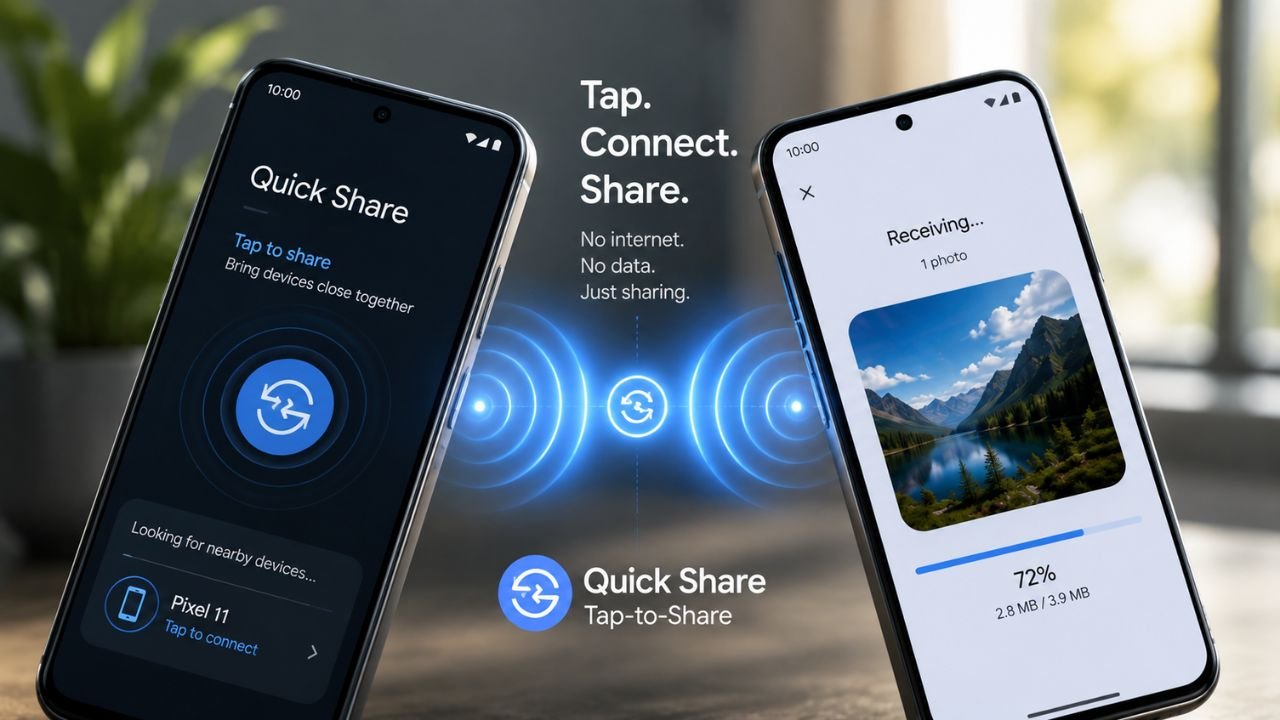
If you’ve ever had to scroll through a list of nearby devices just to send someone a photo, Google now has a simpler solution. With its latest Quick Share update, Android users can bring two compatible phones close together to start sharing, much like Apple’s AirDrop and NameDrop.
The new tap-to-share feature began rolling out alongside the Pixel 11 announcement on August 12. Here’s how it works, which devices support it, and how Google’s approach compares with Apple’s sharing features.
Tap-to-share is a new mode inside Quick Share that lets two compatible Android phones exchange contact info, photos, and videos just by tapping or holding them close together. Google calls it an “instant, two-way exchange,” and it works a lot like Apple’s NameDrop feature on iPhone.
There are two ways to trigger it:
Tap-to-share leans on a mix of technologies working together:
That last part matters: no data usage, no compression, no waiting on a Drive link. It’s a fully offline, device-to-device transfer.
One notable hardware change is on the Pixel 11 itself Google moved the NFC chip from the center of the phone’s back to the top. That’s a deliberate, AirDrop-style design choice. On older phones without this repositioning, you’ll likely still need to tap the backs of the phones together, similar to the old Android Beam gesture.
Google’s rollout is starting with newer and supported Android hardware, while additional devices are expected to receive the feature later.
| Device | Status |
|---|---|
| Pixel 6 and newer | Available now |
| Pixel 11 series | Available now (with repositioned NFC) |
| Samsung Galaxy Z Fold 8 / Fold 8 Ultra | Coming soon |
| Samsung Galaxy Z Flip 8 | Coming soon |
| Other Android devices | Expected by end of 2026 |
A couple of caveats worth flagging:
Google is pretty openly borrowing from Apple’s playbook here, and it’s worth being upfront about that instead of dancing around it.
| Feature | Quick Share (Tap-to-Share) | Apple AirDrop / NameDrop |
|---|---|---|
| Trigger | Tap or hold two phones together | Tap or hold two iPhones together |
| Works across platforms | Android to Android only (for now) | iPhone to iPhone (NameDrop); Mac/iPad via AirDrop |
| Transfer method | Bluetooth + Wi-Fi Direct | Bluetooth + Apple Wireless Direct Link |
| Uses mobile data | No | No |
| Contact sharing | Yes, automatic on tap | Yes, automatic on tap (NameDrop) |
| File sharing | Yes, via Share Sheet + tap | Yes, via Share Sheet + tap |
Functionally, the two are now close to identical in everyday use. The real difference is ecosystem lock-in both features currently stay within their own platform, so Android and iPhone users still can’t tap-to-share with each other.
It’s also worth noting that Quick Share and AirDrop can already talk to each other in a separate, limited capacity on newer Pixel 10 devices, but that’s a different feature with its own setup process not part of tap-to-share.
Want to try Quick Share’s new tap-to-share feature? Follow these steps to make sure your phone is ready and discover whether the new sharing option is available.
Google’s new Quick Share tap-to-share feature makes sharing between Android phones much simpler and more natural. By combining NFC, Bluetooth, and Wi-Fi Direct, users can quickly exchange contacts, photos, and videos without searching through a list of nearby devices.
While the feature is currently limited to compatible Android phones, it brings Quick Share much closer to the convenience of Apple’s AirDrop and NameDrop. As Google expands support to more Android devices, tap-to-share could become a much more common way to share content between nearby phones.
Trending