SplitCam :: Live Multi-Streaming: Stream simultaneously to Twitch, YouTube & Facebook. Use webcams, screens & phones. Mix audio, add effects. Virtual camera for Zoom/Skype calls.
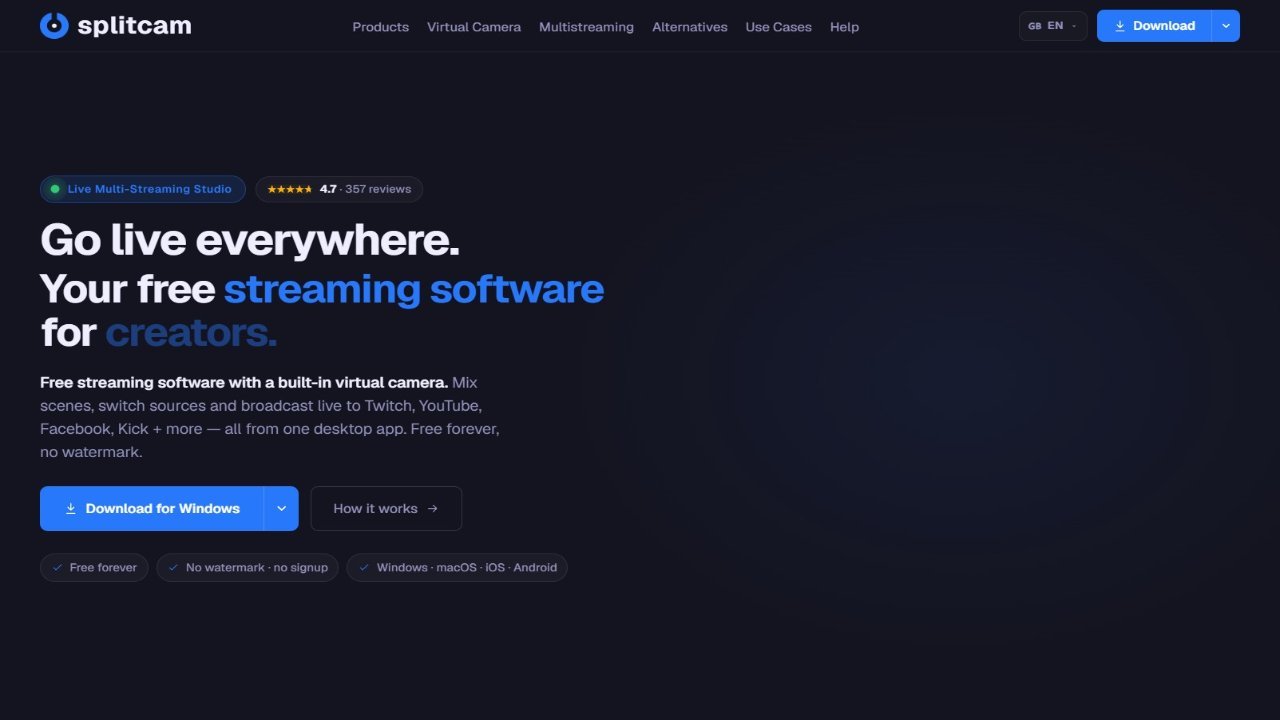
SplitCam :: Live Multi-Streaming offers a comprehensive solution for effortless multi-platform streaming. Easily broadcast simultaneously to platforms such as Twitch, YouTube, and Facebook, or any service using a stream key. The intuitive setup allows users to quickly connect their webcam and microphone and start broadcasting within minutes. SplitCam supports various sources, including webcams, screens, games, browsers, smartphones, and network devices. Enhance your streams with advanced features like audio mixing, real-time video effects (background removal, noise reduction, face blurring), and color correction. Furthermore, SplitCam’s virtual camera enables use in applications like Zoom, Skype, and WhatsApp, ensuring high-quality broadcasts across all communication platforms. Simplify and enhance your live streaming experience with SplitCam’s powerful features and easy-to-use interface.