RemoveWindowsAI: Automate disabling & uninstalling Windows 11’s Copilot, Recall, and other AI features. Simplifies removal of persistent AI packages with a user-friendly interface.
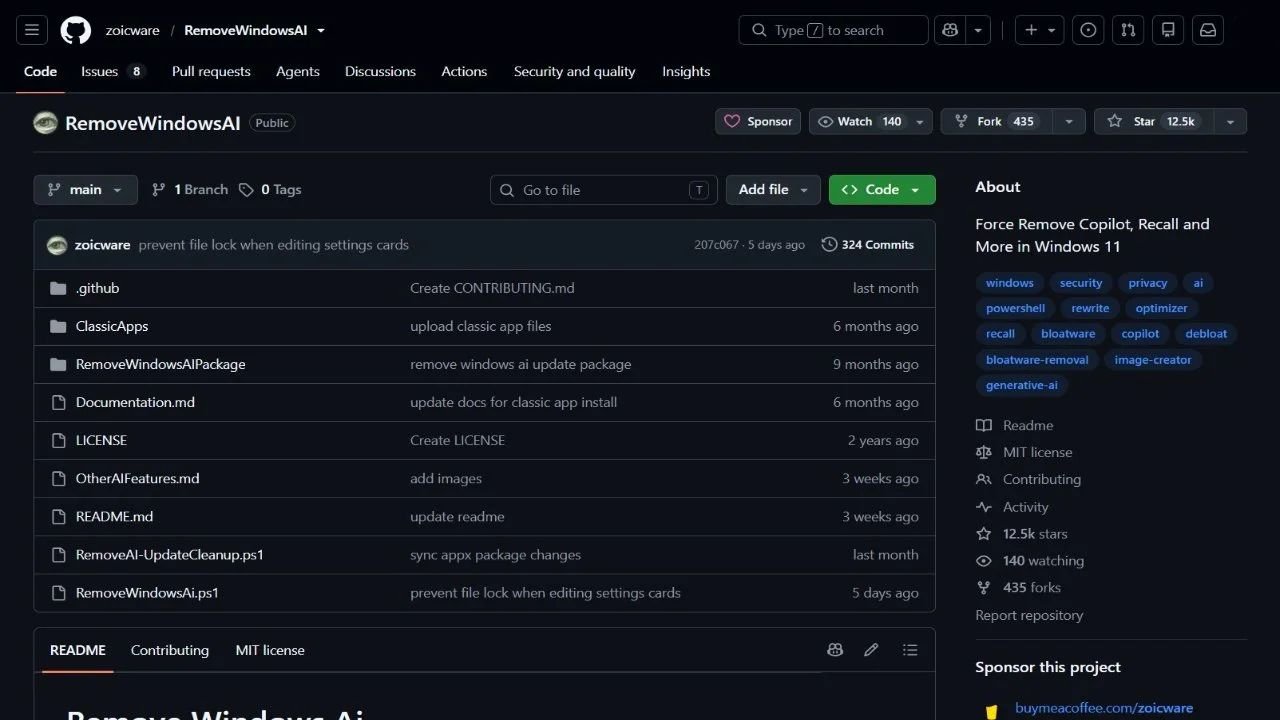
RemoveWindowsAI is a PowerShell script designed for Windows 11 (25H2 and later) to comprehensively disable and remove Microsoft AI features and associated components. This includes functionalities like Microsoft Copilot, Windows Recall, AI Actions, Input Insights, and data collection related to typing within applications such as Microsoft Edge, Paint, Notepad, Voice Access, and Settings search. The script modifies registry settings and policies, removes AI-related Appx packages (including those not uninstallable), disables the “Recall” optional feature, deletes leftover files and installers, and removes associated scheduled tasks. To prevent reinstallation, RemoveWindowsAI can also install a custom Windows Update package, disable Copilot and Recall policies (including changes to IntegratedServicesRegionPolicySet.json), offering users a user-friendly GUI option alongside the command-line script for managing these AI removals.