Xodo: The powerful PDF viewer & annotator. Edit, share, and manage PDFs on any device. Access, sign, and sync with Xodo.
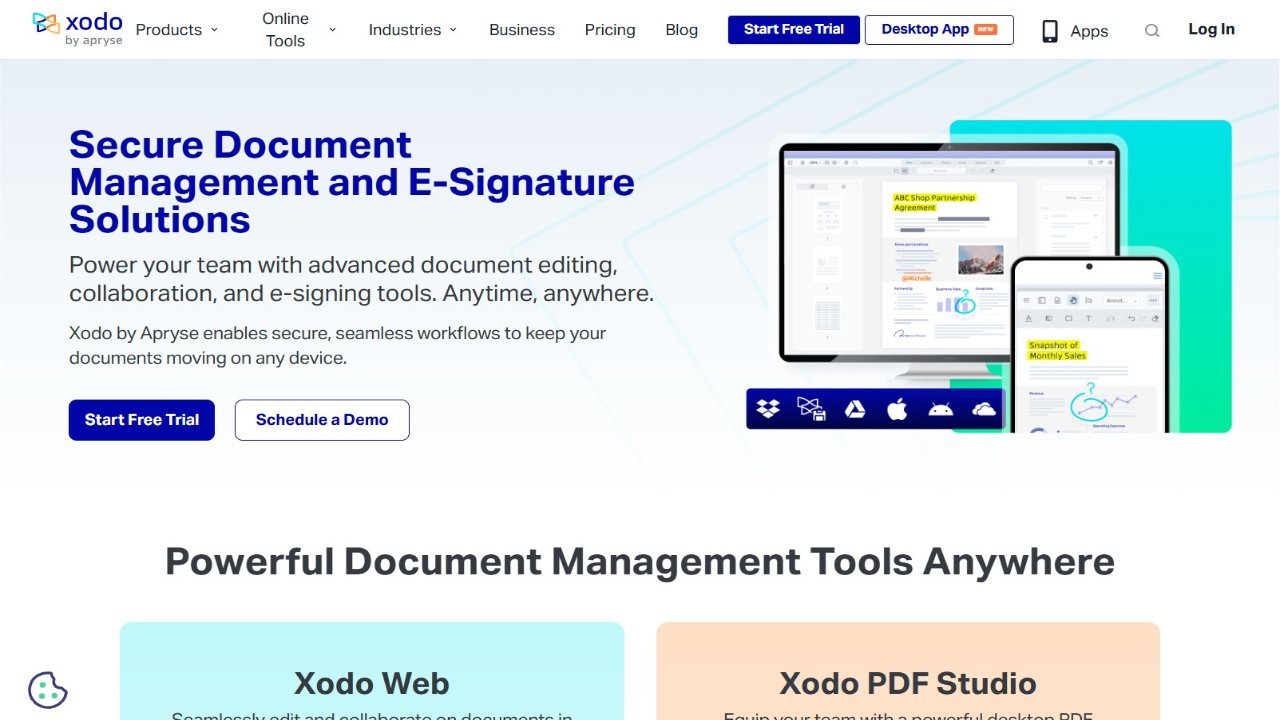
Xodo is a powerful, free cross-platform PDF viewer and annotator. It offers features like bookmarking, night mode, tabbed browsing, reflow reading, and detailed table of contents navigation for efficient PDF management. Users can also create annotations with drawing, highlighting, and text manipulation tools, alongside merging, splitting, and rotating PDF documents. Xodo supports Samsung Multi Window and optimized SPen stylus usage. Furthermore, it includes features for filling and signing PDF forms, converting images to PDFs, and seamless integration with Dropbox and Google Drive via auto-sync. The built-in file manager provides easy access to recent files and a grid view for quick PDF browsing. Real-time collaboration through Xodo Connect allows multiple users to annotate PDFs simultaneously.