WinSCP is a free, open-source file transfer client for Windows. Supports SFTP, FTP, SCP & WebDAV. Ideal for automation & advanced users needing SSH key authentication.
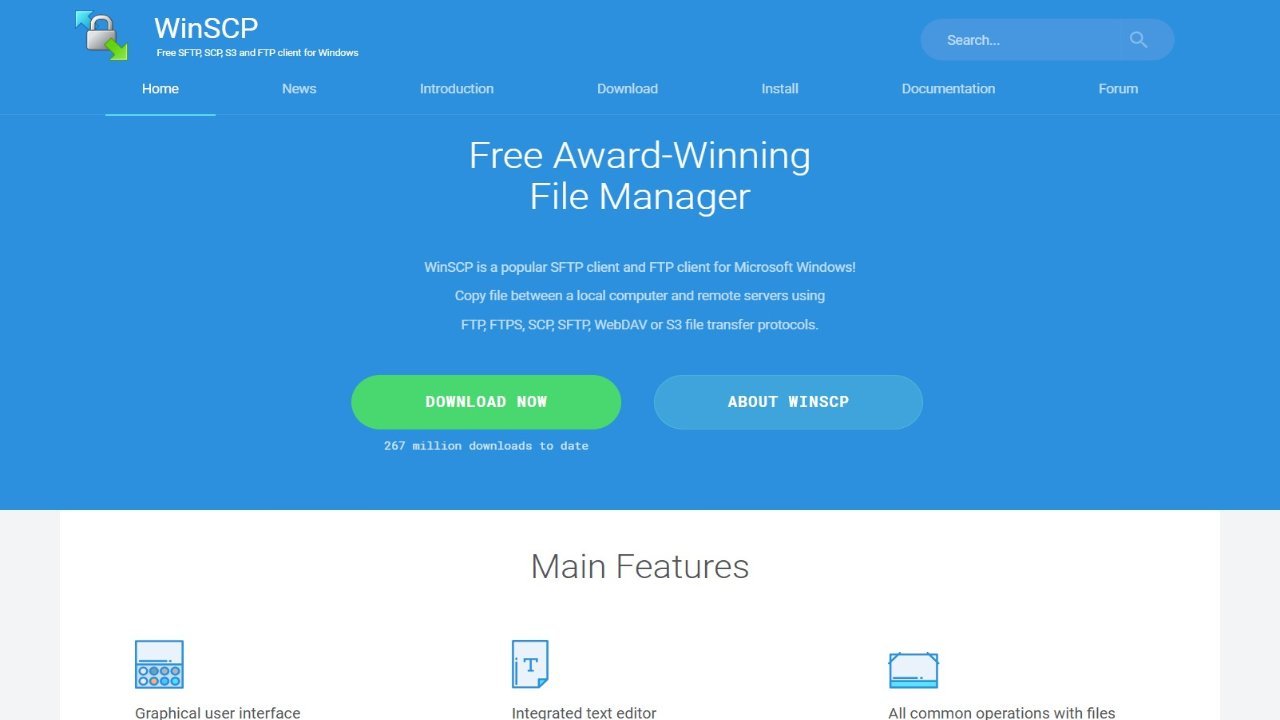
WinSCP is a widely used, free SFTP and FTP client for Windows, designed to enhance productivity. This powerful tool allows users to easily transfer files between local and remote computers using protocols like FTP, FTPS, SCP, SFTP, or WebDAV. WinSCP features a user-friendly graphical interface, offering both a familiar Windows Explorer style and a tabbed twin-panel layout reminiscent of Norton Commander. Advanced users can automate tasks through .NET assembly or simple batch scripting. Beyond individual file management, WinSCP facilitates synchronization between remote and local directories, with options for saving site configurations and sharing them with PuTTY. For enhanced security, it integrates seamlessly with Pageant (PuTTY authentication agent) for SSH public key authentication. Furthermore, WinSCP supports portable operation via a configuration file, making it ideal for use on removable media. Comprehensive documentation and a vibrant user forum are readily available, and the software is freely distributed under the GNU General Public License.