Free Alternative FreeAlternative
VS

Visual Studio Code

No reviews (0)
Add Link

Visual Studio Code: A free, extensible code editor with Git support and IntelliSense. Explore thousands of extensions, debug & highlight syntax. Offline use supported.
Visual Studio Code

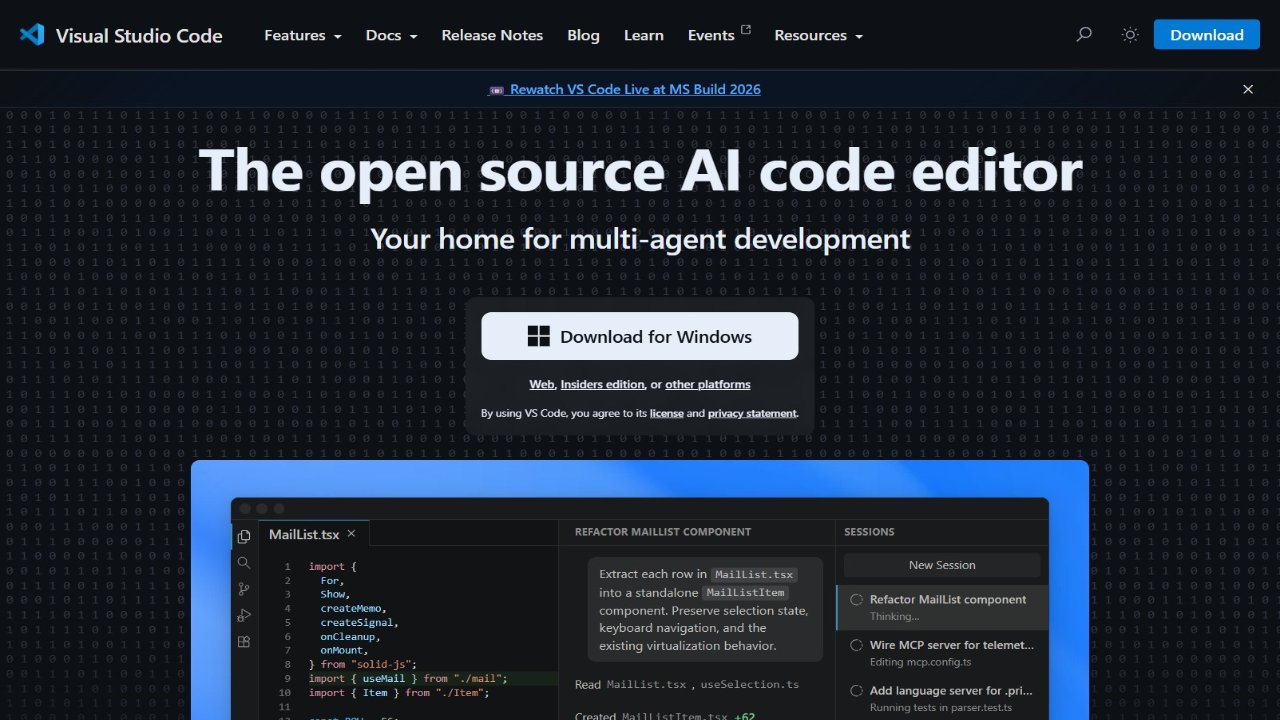
Visual Studio Code (VS Code) is a free, versatile code editor ideal for building web, desktop, and mobile applications using any programming language. With extensive support for Git and seamless integration with GitHub, alongside features like IntelliSense and AI-powered IntelliCode debugging, VS Code empowers developers to efficiently create applications. Its expansive marketplace offers over 30,000 extensions and themes, allowing users to personalize the editor’s functionality and appearance to suit their preferences. Key features include native support for JavaScript and TypeScript, with extensions available for languages like Python, Java, and more. This popular code editor provides a powerful development environment accessible through its browser version, vscode.dev, enabling efficient coding across various platforms.

About Visual Studio Code

  • Link: https://code.visualstudio.com
  • Features: Customizable, Support for Themes, Extensible by Plugins/Extensions, Autocompletion, Built-in terminal emulation, Syntax Highlighting, Code Completion, Multiple languages, GitHub Integration, Git Support, Dark Mode, Supports Python, C++, Multiple Cursors, Auto Update, Graphical User Interface, Support for MarkDown, WYSIWYG HTML Editor, Plug-ins, Minimap, Support for Javascript, Support for Node.js, Theme Customization, PHP IDE, Remote Debugging, Git integration, C# Scripting, Works Offline, Ad-free, Live Preview, WYSIWYG Support, No registration required, Code Formatting, C support, Ruby support, Lint support, Code navigation, Embedded debugger, Specific for 64-Bit, Support for 64 bit, Custom Plugins, GitHub Copilot Integration, Electron based, Run Android Apps on Desktop, Mercurial support, Objective-c
  • Supported Platforms: Mac, Windows, Linux  64-bit only, Online  [https://vscode.dev/](https://vscode.dev/), Chrome OS  Linux app support required or go to [https://vscode.dev/](https://vscode.dev/), Snapcraft
  • Pricing: Free, Proprietary (MIT)

Visual Studio Code Review & Rating

Add a Review