Capture full or partial screen images easily with Snipping Tool. Annotate & save/share screenshots. Excellent image quality & fast performance.
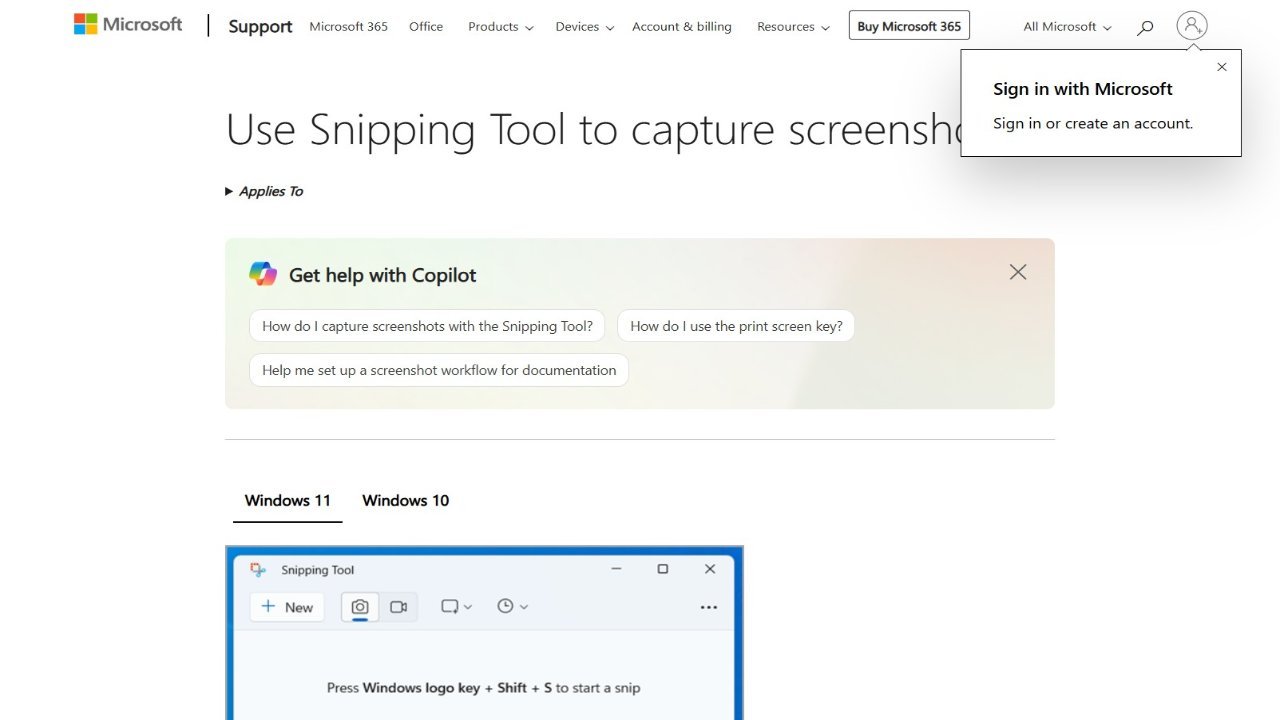
The Snipping Tool allows users to easily capture and manipulate screenshots of their computer screens. It offers various snip types, including free-form (drawing irregular shapes), rectangular (defining precise borders), window (selecting specific windows), and full-screen options for capturing entire displays or portions thereof, even recording video. Once a snip is created, it’s automatically copied to a mark-up window where users can annotate the image, save it in various formats, or share it with others. This versatile tool provides a simple way to capture and collaborate on digital content directly from your computer.