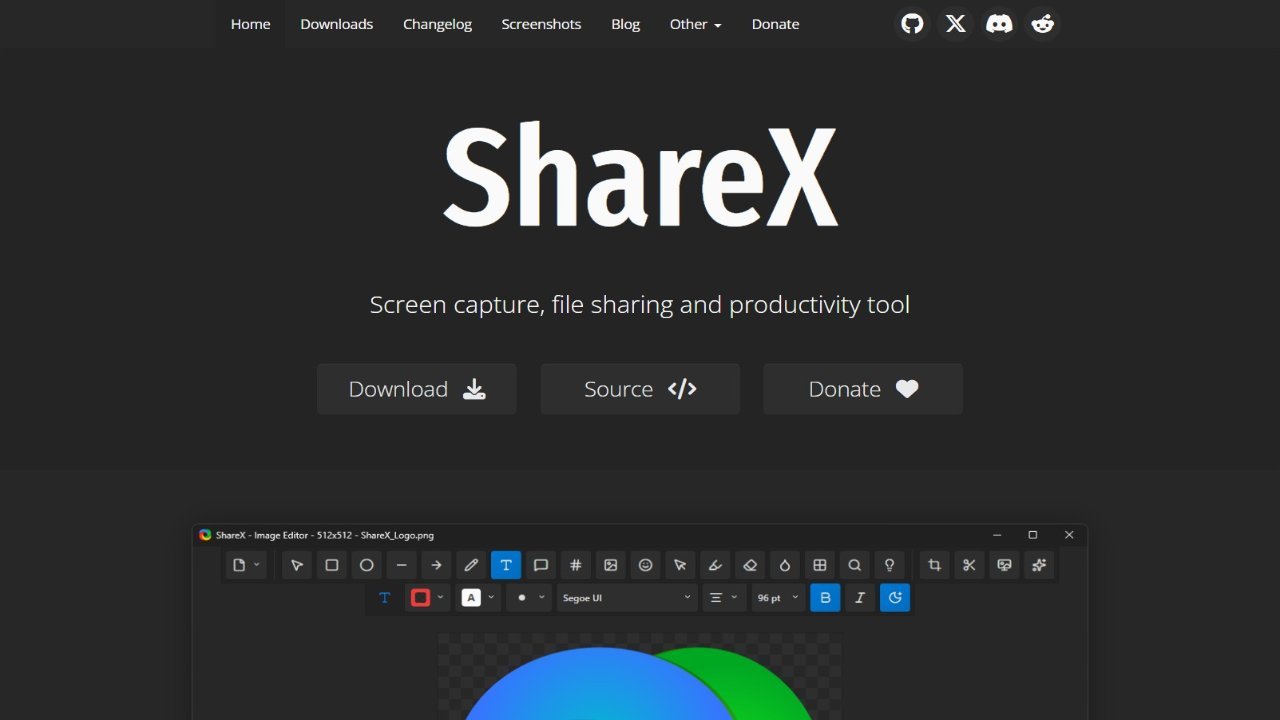
ShareX is a free and open-source application designed for quick and easy screen capture and sharing. With a simple shortcut, users can instantly record any portion of their display and share it with others. Beyond basic screenshots, ShareX also enables the uploading of various file types, including images and text, to a wide range of supported destinations. This versatile tool provides a convenient solution for capturing and distributing content directly from your computer, making it ideal for quick communication, collaboration, or sharing updates. Its ease of use and extensive functionality make ShareX a valuable asset for anyone needing to share their screen quickly and efficiently.
About ShareX
- Link: https://getsharex.com
- Features: Customizable, Lightweight, Support for Themes, Privacy focused, Screen Recording, Ad-free, Capture Video, Screenshot OCR, Edit screenshots, Built-in Image editor, Share Videos, Works Offline, GIF recording, Support for Hotkeys, Record videos, Share screenshots, No registration required, Image Annotations, Built-in editor, Upload Screenshot, Video screen capture, OCR, QR Code Reader, Portable, Direct file uploading, Dark Mode, Color Picker, No Tracking, Full-page Screenshot, Annotate Screenshot, Support for 4K, Built-in Color Picker, Support for scripting, Batch Editing, QR Code Generator, Video upload, Integrated File Sharing, Automatic upload, Instant edit screenshots, Live video recording, WEBP Support, QR Code Recognition, Video Converter, Image Combining, Image to text, Upload images, Convert Videos to Animated GIFs, Checksums verification, Photo effects, Watermark images, Upload directly to YouTube, Built-in Video Converter, Data export/import
- Supported Platforms: Windows .NET 9.0, PortableApps.com, Steam
- Pricing: Free, Open Source (GPL-3.0)