Free Alternative FreeAlternative
OS

OBS Studio

Enjoy smooth recording and live broadcasting with flexible video settings, real-time previews, plugin support, and tools built for every creator.
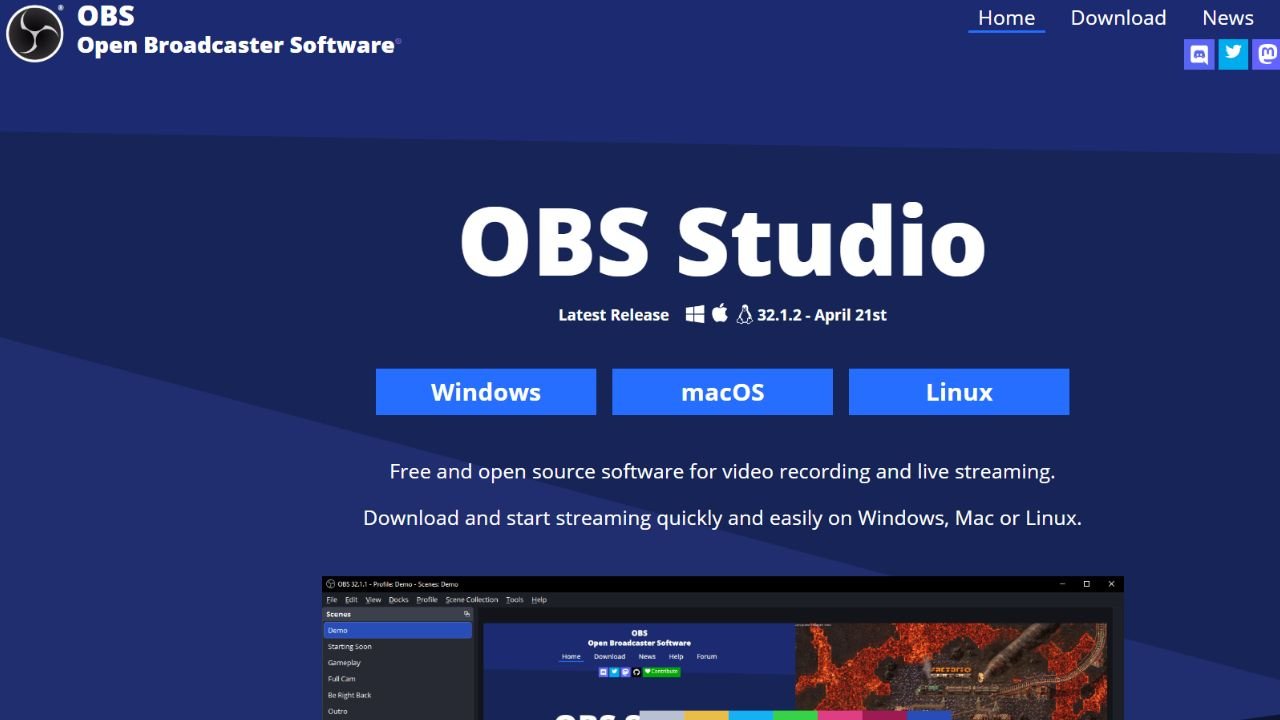
OBS Studio

OBS Studio is a powerful open-source application designed for screen recording, live streaming, and video capture across Windows, macOS, and Linux. Whether you’re creating tutorials, broadcasting gameplay, hosting webinars, or recording presentations, it offers a flexible workspace with customizable scenes, audio controls, and high-quality output and completely free availability make OBS Studio one of the most trusted solutions for content creators, educators, and streamers of all skill levels.

About OBS Studio

  • Link: https://obsproject.com/
  • Supported Platforms: Mac, Windows, Linux, BSD, Snapcraft, Flathub, PortableApps.com, Steam, FreeBSD
  • Features: Screen Recording, Live Streaming, Scene Switching, Audio Mixer, Video Capture, Webcam Support, Custom Transitions, Multi-Source Recording, Real-Time Preview, Studio Mode, Hotkey Controls, Plugin Support, High-Quality Video Output, Multi-Platform Streaming, Chroma Key, Window Capture, Game Capture, Display Capture, Customizable Layouts, Open Source, Cross-Platform Compatibility, Low-Latency Streaming, Recording Scheduler, Virtual Camera, GPU Encoding Support.
  • Licensing: Open Source (GPL-2.0) and Free product.
  • Supported Languages: English.