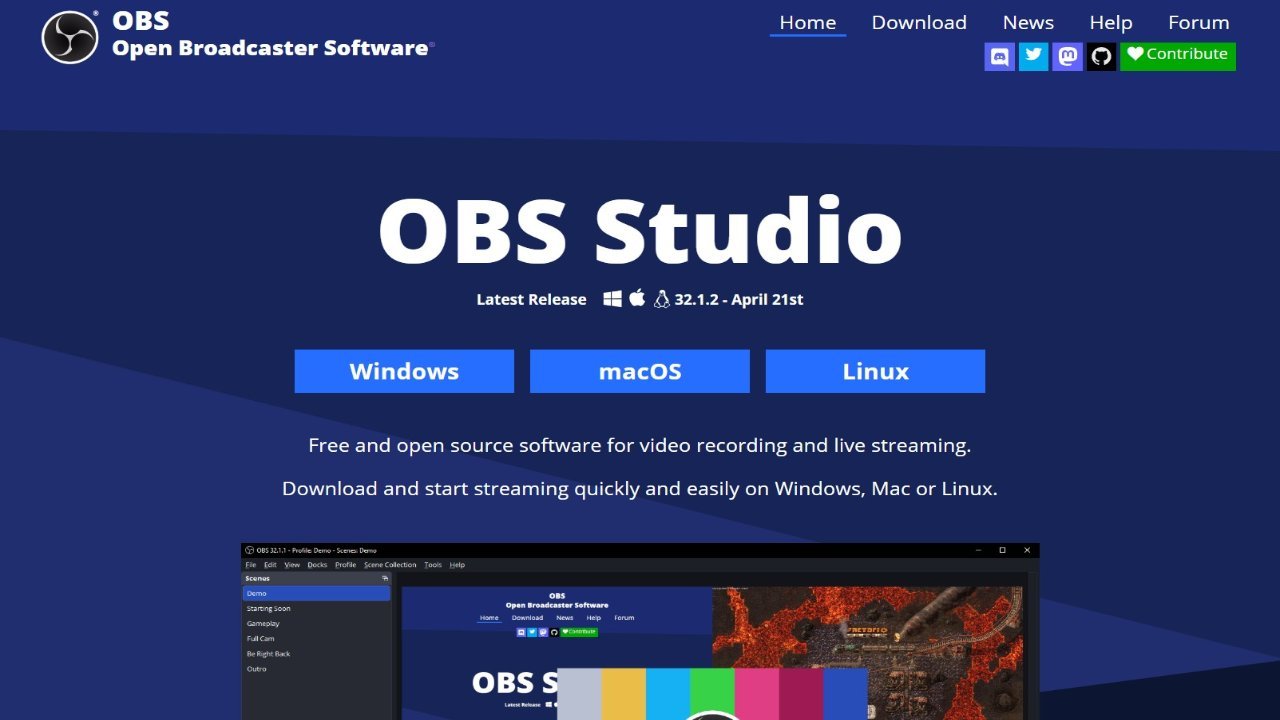
OBS Studio, a free and open-source software, stands out as a powerful tool for screen casting and live streaming across macOS, Windows, and Linux. Known for its intuitive interface and user-friendly workflow, OBS simplifies the recording and broadcasting process, offering features comparable to commercial applications without the associated cost. Its long history of consistent updates ensures continued functionality and compatibility, making it a popular choice for both beginners and experienced streamers. The software’s ease of use, combined with its free availability, contributes to its widespread adoption within the screen casting and live streaming community.
About OBS Studio
- Link: https://obsproject.com
- Features: Customizable, Support for Themes, Privacy focused, Gaming-focused, Lightweight, Twitch, Youtube, Restream.io, Youtube Gaming, Live Streaming, Screen Recording, Capture Video, Live Broadcasting, Ability to select a source, Game Streaming, Audio Recording, Low CPU usage, Extensible by Plugins/Extensions, Virtual camera output, Record desktop activity, Streaming, Live Camera Streaming, Dark Mode, Extensive settings menu, Custom overlays, Works Offline, Media Streaming, Support for Keyboard Shortcuts, Audio Track Split, Lua scripting, Video Casting, Ad-free, Multi-streaming, Live Video Effects, Transitions Effects, DRM Free, Screen Sharing, No Tracking, Built-in viewer, Hardware Accelerated, RTMP Live Streaming, No registration required, Chroma Key / Green Screen, Portable, Support for 4K, Live recording, Stream Capture, Multicast RTP streaming, FPS counter, Hitbox support, MultiView, SMS Messaging
- Supported Platforms: Mac macOS 10.11 +, Windows Windows 7 +, Linux, BSD, Snapcraft unofficial, Flathub, PortableApps.com, Steam, FreeBSD
- Pricing: Free, Open Source (GPL-2.0)