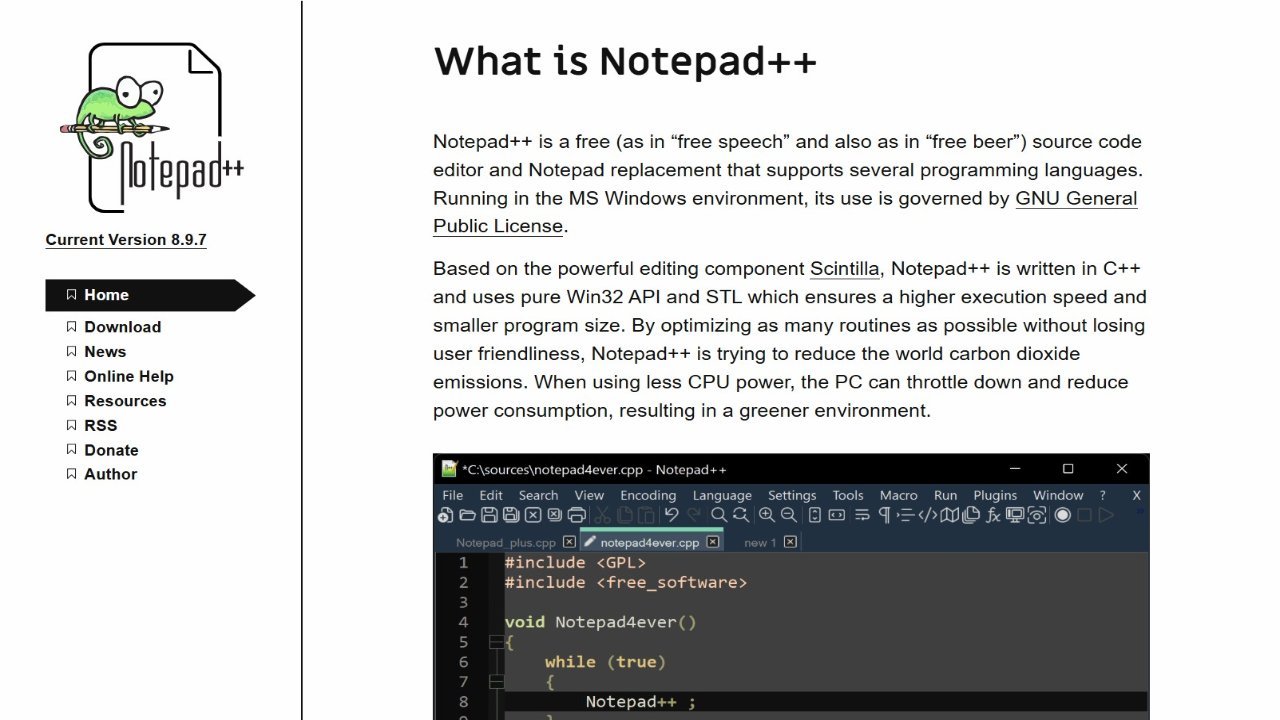
Notepad++ is a free, powerful text editor and a popular alternative to standard Notepad, particularly for developers. Built on the Scintilla editing engine and written in C++, it leverages the Win32 API and STL for enhanced performance and efficiency. Its design prioritizes user-friendliness while optimizing routines to minimize CPU usage. By reducing energy consumption, Notepad++ indirectly contributes to lowering carbon dioxide emissions through reduced power demand of computers. This makes it a more environmentally conscious option compared to less optimized alternatives.
About Notepad++
- Link: https://notepad-plus-plus.org
- Features: Lightweight, Configurable, Distraction-free, Privacy focused, No AI, Support for Themes, Code Formatting, Portable, Tabbed interface, Search and Replace, Extensible by Plugins/Extensions, Text formatting, Multiple Open Tabs, Color coding, Multiple languages, Support for Javascript, Built-in themes, Ad-free, Syntax Highlighting, Auto-saving, Dark Mode, Debugging, No Tracking, Full-Text Search, No Coding Required, Autocompletion, Add-ons, Works Offline, Plugin manager, No registration required, Spell Checking, Integrated Search, Support for MarkDown, Live Preview, Support for scripting, Block edit, Support for regular expressions, Side-by-Side Comparison, Column edit mode, Regex substitution, Native GUI, Macro Recording, Built-in editor, URL Encoding, Support for FTP, Support for Unicode
- Supported Platforms: Windows, PortableApps.com
- Pricing: Free, Open Source