Microsoft Paint: Free image editor for basic painting & raster editing on Windows. Supports multiple formats (BMP, JPEG, GIF, PNG, TIFF). Simple UI, layers support & offline access.
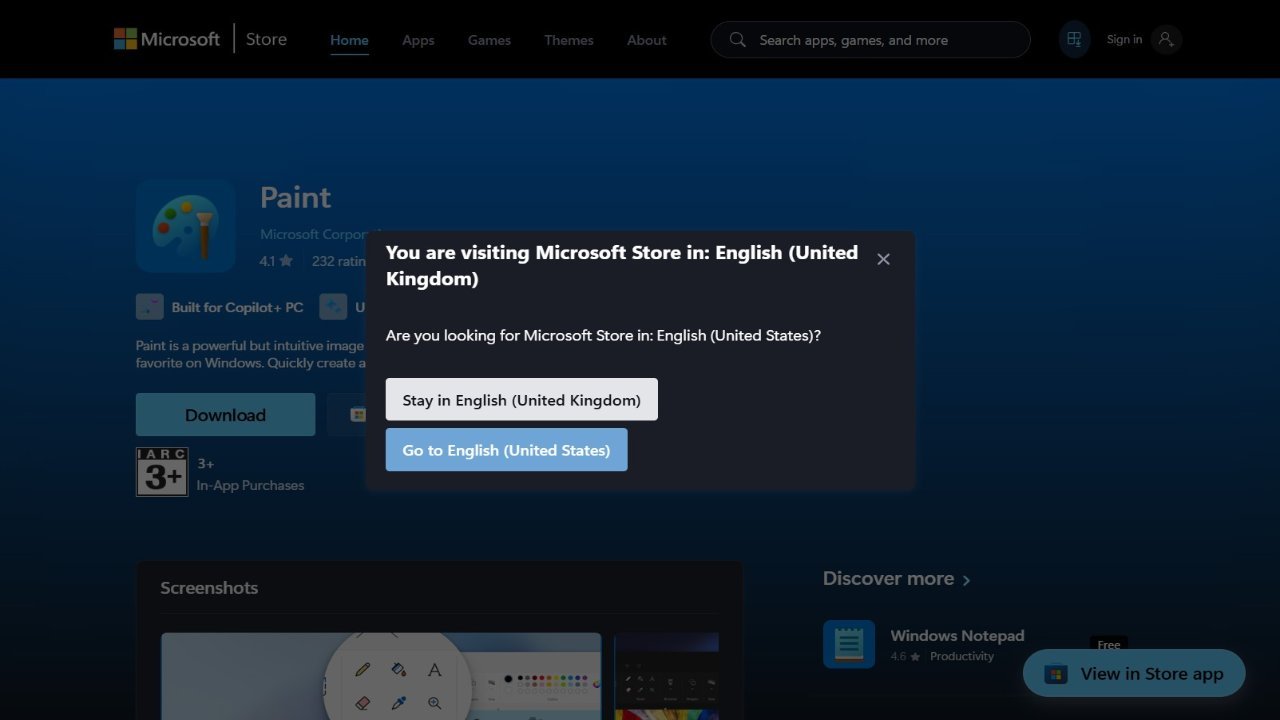
Microsoft Paint is a basic, built-in graphics program that comes standard with most versions of Microsoft Windows. It allows users to create and edit images using simple tools for drawing, shaping, and coloring. While it offers support for common image formats like BMP, JPEG, GIF (without animation or transparency), PNG (without alpha channel), and TIFF (without multiple pages), its primary focus is on straightforward image manipulation rather than advanced features. Users can open, save, and edit files using these formats within Paint, making it a convenient option for basic image editing tasks.