Free Alternative FreeAlternative
E

Eagle

No reviews (0)
Add Link

Manage images, videos & audio efficiently with Eagle. Advanced features: tags, folders, color filters and design previews. Fast performance, great for creative workflow.
Eagle

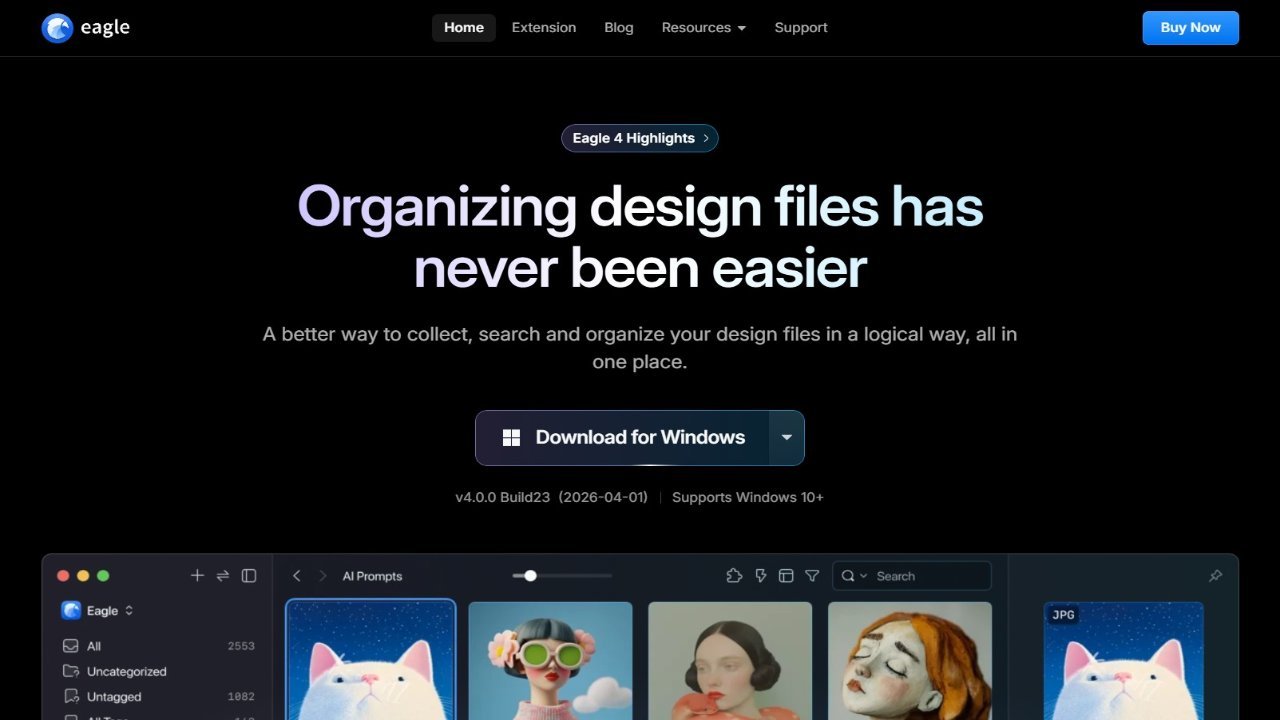
Eagle is a versatile media management application available for macOS and Windows, enabling users to efficiently collect, search, and organize various files including images, videos, fonts, and audio. It offers comprehensive file management tools like tagging, folder creation, smart folders, and color filters, along with browser extensions for seamless web integration. Specifically designed for designers, Eagle provides powerful tools to manage diverse design assets such as pictures, screenshots, user interfaces, 3D models, fonts, and icons. Its advanced features include a robust image collection tool, sophisticated color, rating, and annotation filtering capabilities, and support for previewing over 90 design file formats like 3ds, mockups, and textures, making it ideal for organizing and managing complex design projects.

About Eagle

  • Link: https://eagle.cool/
  • Features: Digital asset manager, File Tagging, Categories, Tag based, File Search, Media library, Reverse Image Search, Cloud Sync, Watch Folder, Keyframe Animation, No Coding Required, Music Looper, Batch Rename Files, Tagging, Smart Albums, Support for GIF, Batch processing, Autotagging, Sync with Dropbox, Video annotation, Photo Gallery, Drag and Drop, File keyword, File Renaming, Photographic filters, Microsoft Edge extension, File preview, Tag groups, Sound Effects, Support for Apple M1, UI Design, Sorting by folder, Safari extension, Waveform, Playback speed control, UX Design, Fuzzy Finder, Slow Motion, Sorting by tags, Video playback, Advanced searching, Image browser, Thumbnail preview
  • Supported Platforms: Mac  Require macOS 10.11+, Windows  Require Windows 7+ 64bit, Microsoft Edge, Google Chrome, Safari, Mozilla Firefox
  • Pricing: Pay once, Proprietary

Eagle Review & Rating

Add a Review