Manage your Windows file associations with the Default Programs Editor. This tool lets you customize default programs for various actions, including managing the auto-play settings.
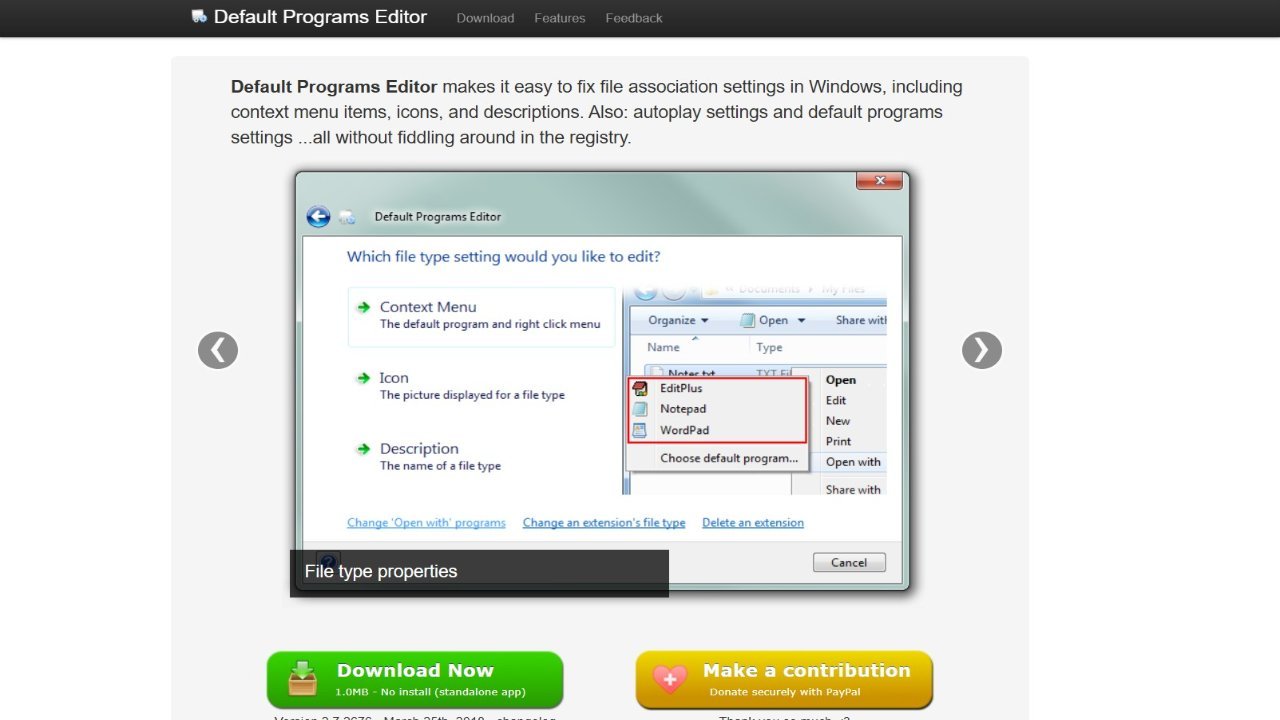
The Default Programs Editor is a user-friendly tool for Windows 7, Vista, and XP, offering comprehensive control over file associations and system settings. Primarily designed to manage context menus, autoplay configurations, and file type associations, it provides an intuitive interface for users. The “Context Menu Editor” allows users to customize the right-click menu by adding, modifying, or removing entries, as well as customizing file types with specific icons and descriptions. Furthermore, the tool enables complete control over autoplay settings, letting users manage associated programs and available options for various media types, including the default autoplay handler. Essentially, the Default Programs Editor empowers users to fine-tune their Windows experience by providing a simple way to modify system configurations through its “Default Programs Association Editor”.