Create custom keyboard shortcuts with Clavier+! Launch apps, open files, write text & access websites quickly. Simplify your workflow today!
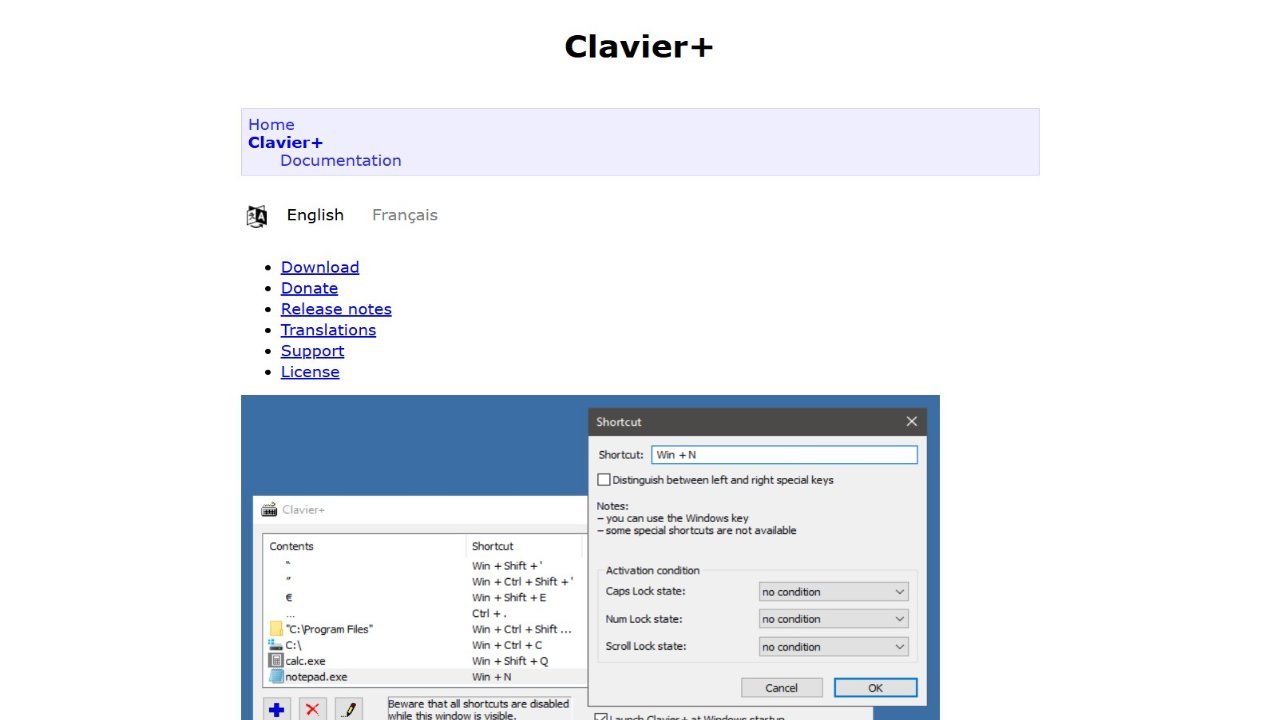
Clavier+ provides users with a streamlined solution for creating custom global keyboard shortcuts. With Clavier+, you can quickly launch applications, open specific folders, compose text, and access websites using single keystrokes. This powerful tool offers fast application launching and efficient text input, all within a small and lightweight package. Clavier+ is designed for ease of use: it requires no installation and utilizes minimal system resources, featuring a single executable file under 100 KB without registry modifications. The intuitive interface allows for the creation of global shortcuts accessible across multiple programs, enhancing productivity significantly.