File Explorer: Lightweight, offline Windows file management with zip support & dark mode. Manage files easily without registration.
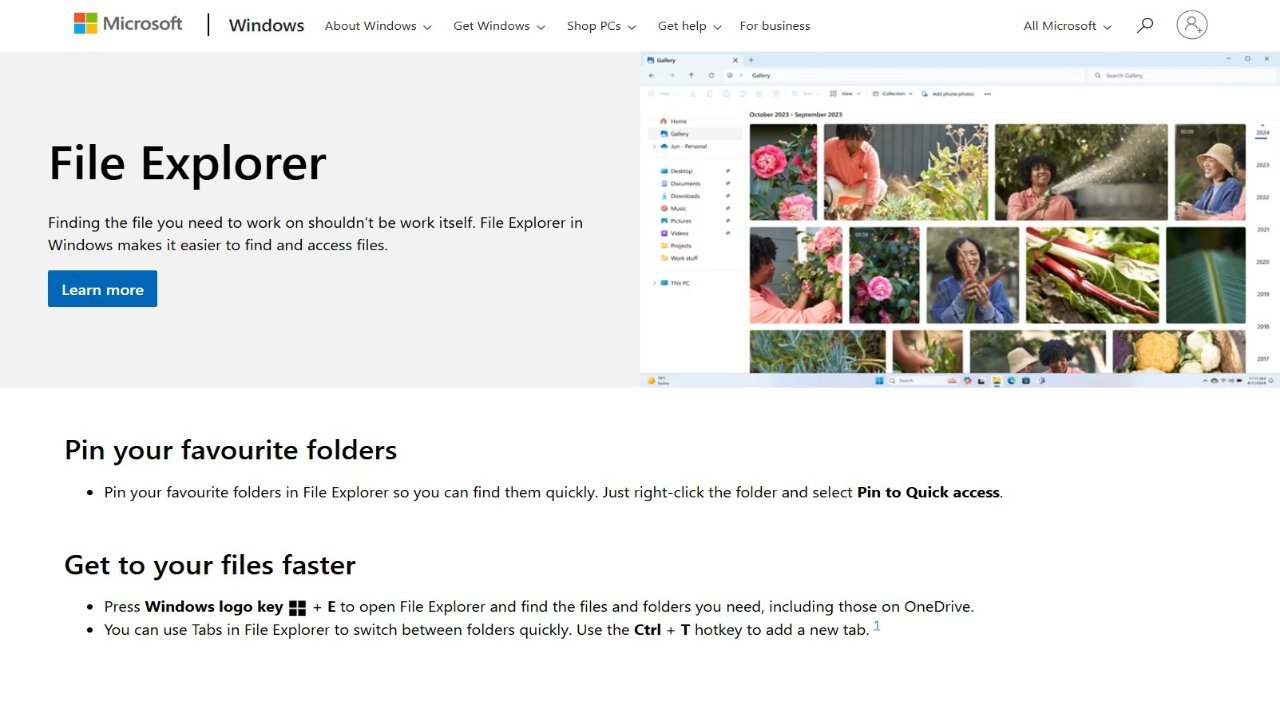
File Explorer is a core file management application integrated into Microsoft Windows since Windows 95. Often referred to as “Windows shell” or simply “Explorer,” this application provides a graphical user interface for navigating and managing files within the operating system’s file systems. It serves as the primary interface, presenting key elements like the taskbar and desktop. While essential for everyday use, File Explorer isn’t strictly required for basic computer operation; functionalities such as running commands through Task Manager or using command-line interfaces can still be accessed without it.