SHARA is a powerful, local utility for Windows that enhances mouse control. Enjoy animated highlighting, 3D tilt, and lag-free magnification for presentations & coding.
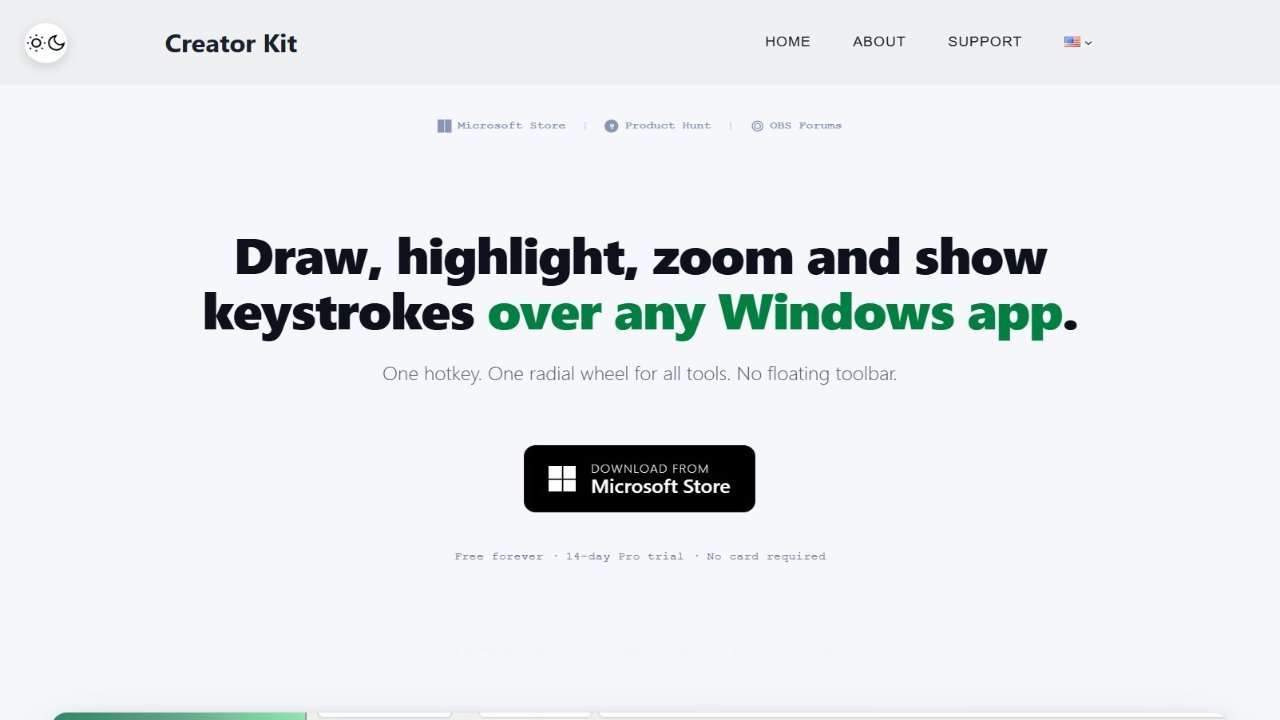
SHARA is a powerful Windows overlay that combines screen annotation, cursor highlighting, magnification, and keystroke display into a single, user-friendly application. It enables users to draw with various tools like pens, markers, or lasers, add shapes, erase precisely, and undo actions, all while keeping track of their clicks and keystrokes. The intuitive SHARA Wheel allows for seamless switching between tools and sub-modes without needing to leave the current application. With customizable cursor halos, magnification options, focus areas, and broadcast mode, SHARA is ideal for teaching, demonstrations, screen recording, and collaboration with platforms like OBS, Zoom, and Teams. A free trial offers full Pro access for 14 days, after which basic features remain free, allowing users to unlock advanced functionalities like pro-level cursor effects, zoom and broadcast modes, and color presets without a subscription or account requirement.